How to Stop Your Confluence Space from Becoming a Digital Junk Drawer
How to Stop Your Confluence Space from Becoming a Digital Junk Drawer
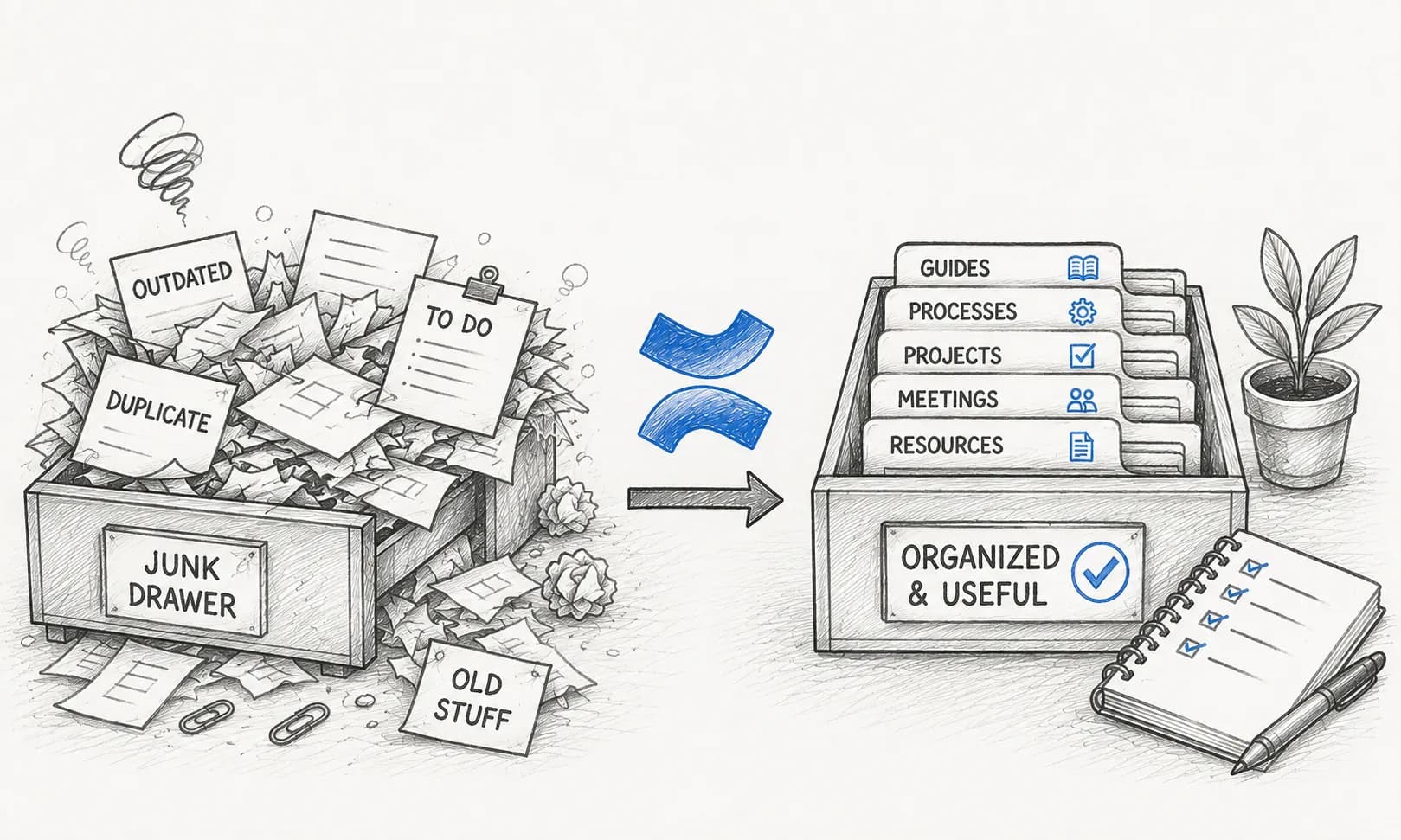
Every growing team eventually faces the same Confluence dilemma: a workspace overflowing with outdated meeting notes, half-finished project drafts, and pages no one has looked at in years. When finding information becomes harder than creating it, your knowledge base stops being an asset and starts feeling like a digital junk drawer.
If your team is struggling to keep documentation organized, you aren't alone. Here is a practical guide to reclaiming your Confluence workspace and keeping it clean for the long haul.
1. Audit and Archive Outdated Content
The first step to tidying up is acknowledging that not every page needs to live forever. Schedule a regular documentation audit:
- Identify pages that haven't been viewed or updated in over 6 months.
- Move completed project documentation to an archive space so it remains searchable without cluttering active workflows.
- Delete duplicate pages or redundant drafts that never made it to publication.
2. Establish Clear Ownership
Orphaned pages—pages with no clear owner—are the primary driver of documentation rot. Every important space, roadmap, or product guide should have a designated page owner responsible for reviewing its accuracy periodically.
3. Automate Health Checks and Content Reviews
Relying purely on manual reviews rarely works in fast-moving teams. Using tools designed to track documentation health can save you countless hours. For instance, apps like Content Health for Confluence help you quickly identify outdated pages and surface content that needs attention before it misleads your team.
4. Keep Structure Simple and Predictable
Avoid nesting pages twenty levels deep. Keep your page tree shallow and intuitive:
- Use standard naming conventions for recurring documents (e.g.,
[Project Name] - Status Update - YYYY-MM-DD). - Leverage index pages and dashboards to guide readers directly to the most critical resources.
Conclusion
A clean Confluence space doesn't happen by accident—it requires lightweight habits and the right governance practices. By regularly pruning old content and establishing clear ownership, you'll ensure your team spends less time searching for answers and more time doing great work.
Keep your Confluence workspace clean automatically
Tired of manually hunting down outdated documentation? Check out Content Health for Confluence to easily track page status, spot stale content, and keep your knowledge base reliable.