Confluence Forms vs Google Forms: Which Should You Choose?
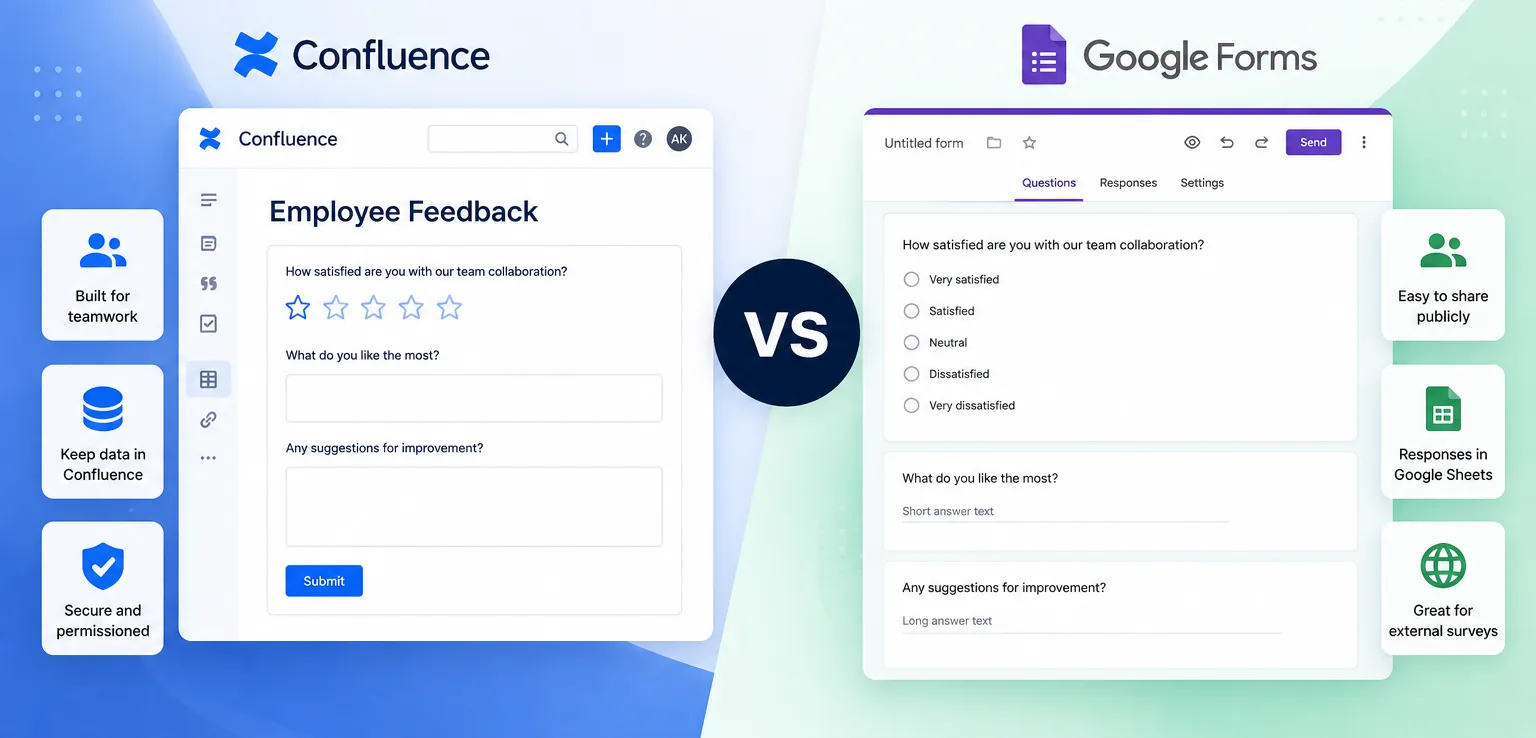
Choosing between Confluence Forms and Google Forms depends on how your team works. Both tools help you collect information, but they are designed for different purposes.
If you already use Confluence as your team's knowledge hub, keeping forms inside your workspace can simplify collaboration. On the other hand, Google Forms is an excellent choice for creating standalone forms that are easy to share with anyone.
When Google Forms makes sense
Google Forms is simple, free, and familiar. It's ideal for public surveys, event registrations, and questionnaires that need to reach a broad audience. Responses are automatically collected in Google Sheets, making basic analysis straightforward.
The downside is that it lives outside Confluence. If your documentation, processes, and projects are already managed in Confluence, switching between platforms can create extra work and make information harder to keep organized.
Why use forms directly in Confluence?
Creating forms inside Confluence keeps data where your team already collaborates. Instead of linking to external tools, users can submit requests, provide feedback, or complete surveys without leaving the page they're working on.
This approach makes it easier to document processes, centralize information, and reduce context switching. Teams also benefit from having forms, responses, and documentation in the same place.
Want to see the setup in practice? Follow our step-by-step guide to creating a feedback form in Confluence Cloud.
A quick comparison
| Feature | Forms in Cloud for Confluence | Google Forms |
|---|---|---|
| Built into Confluence | ✓ | ✗ |
| Public form sharing | Limited | ✓ |
| Integrated with documentation | ✓ | ✗ |
| Collect internal requests | ✓ | ✓ |
| Responses stored in Confluence | ✓ | ✗ |
Which one is right for you?
If your goal is to collect responses from customers, event attendees, or the general public, Google Forms is a reliable and familiar solution.
If your team spends most of its time in Confluence and wants to collect information as part of everyday workflows, a dedicated Confluence forms app is usually the better choice.
Forms in Cloud for Confluence helps teams create forms, surveys, and request forms directly inside Confluence. Collect responses where your team already works and keep your data organized in one place.
👉 Learn more about Forms in Cloud for Confluence