How to Export Tables from Confluence (CSV & Excel Guide)
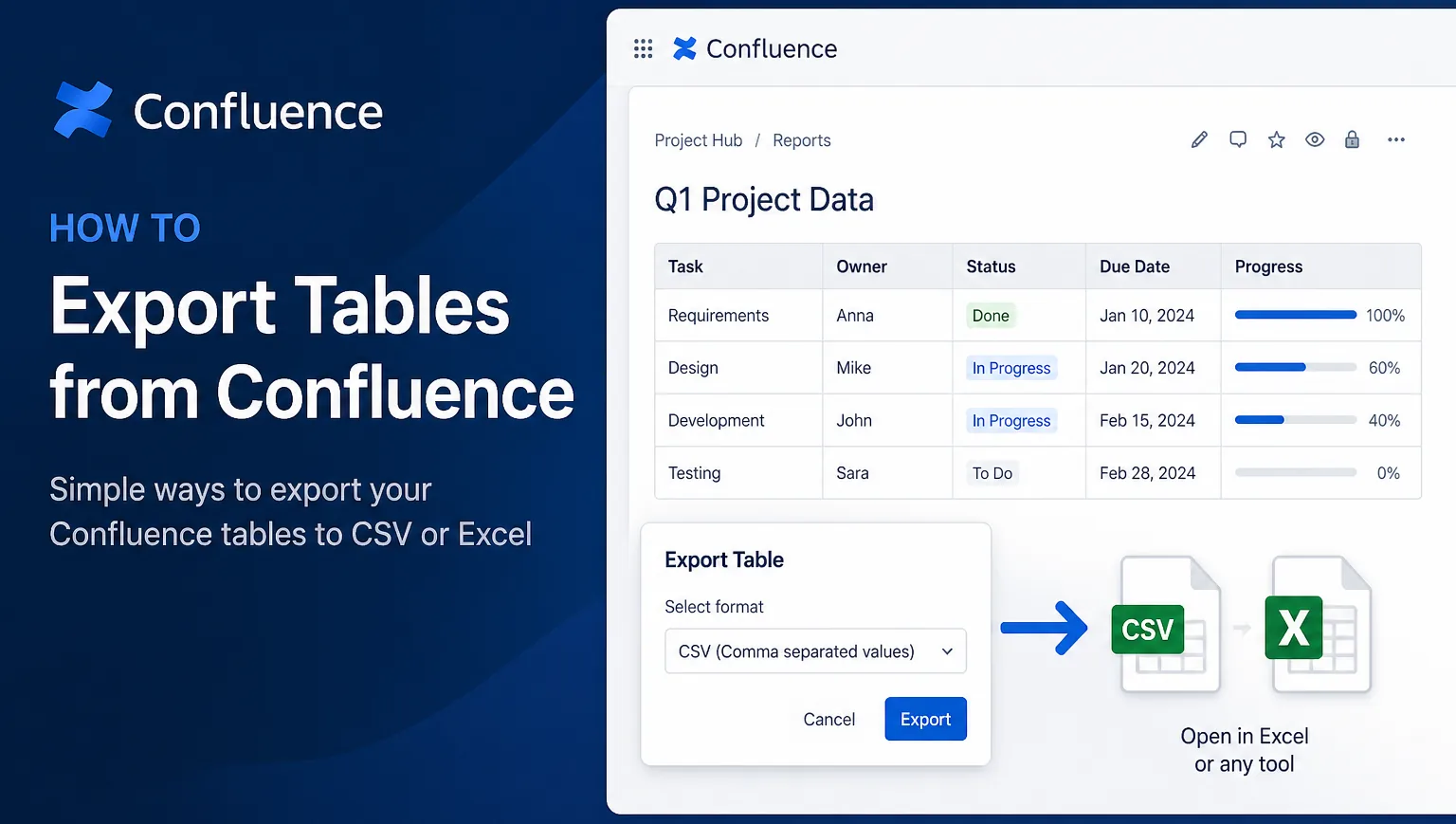
Exporting tables from Confluence sounds simple, but if you’ve tried it, you’ve probably run into limitations. Confluence doesn’t offer a direct, reliable way to export tables as structured data, especially if you need to use that data in Excel or other tools.
First, distinguish exporting one table from Confluence’s space-level CSV export. See our guide to Confluence’s native CSV export options and limitations.
Here are the practical options.
The manual workaround
The most common approach is to copy and paste the table into Excel or Google Sheets. This can work for small tables, but it quickly becomes frustrating. Formatting often breaks, columns shift, and you end up spending time fixing something that should have taken seconds.
Another option is exporting the entire page (for example as PDF or Word), but this doesn’t help if your goal is to extract clean, usable data.
A better approach
If you regularly work with tables, the real solution is to use a tool designed for it. With an app like Table Import Export for Confluence, you can export any table directly as a CSV file. The structure is preserved, so you can open it in Excel and start working immediately.
This removes the need for manual cleanup and makes the process repeatable. What used to take several minutes becomes a quick, reliable action.
Table Import Export for Confluence
Table Import Export for Confluence is a simple app that lets you export tables as CSV files and import structured data back into your pages without breaking formatting. It’s designed to make data handling in Confluence faster and more reliable.
👉 Learn more about Table Import Export for ConfluenceWhen exporting matters
Exporting tables is not just a convenience. It becomes essential when you need to analyze data, share it outside Confluence, or integrate it with other systems. In these cases, accuracy and speed matter.
Final thoughts
You can get by with copy and paste for simple cases, but it doesn’t scale. If tables are part of your workflow, using the right approach makes a noticeable difference in both speed and data quality.