Table Import Export for Confluence
Import, export, and manage tables without friction.
Move data in and out of Confluence quickly, so your team can focus on work instead of manual copying and formatting.
View on Atlassian MarketplaceExport tables in seconds
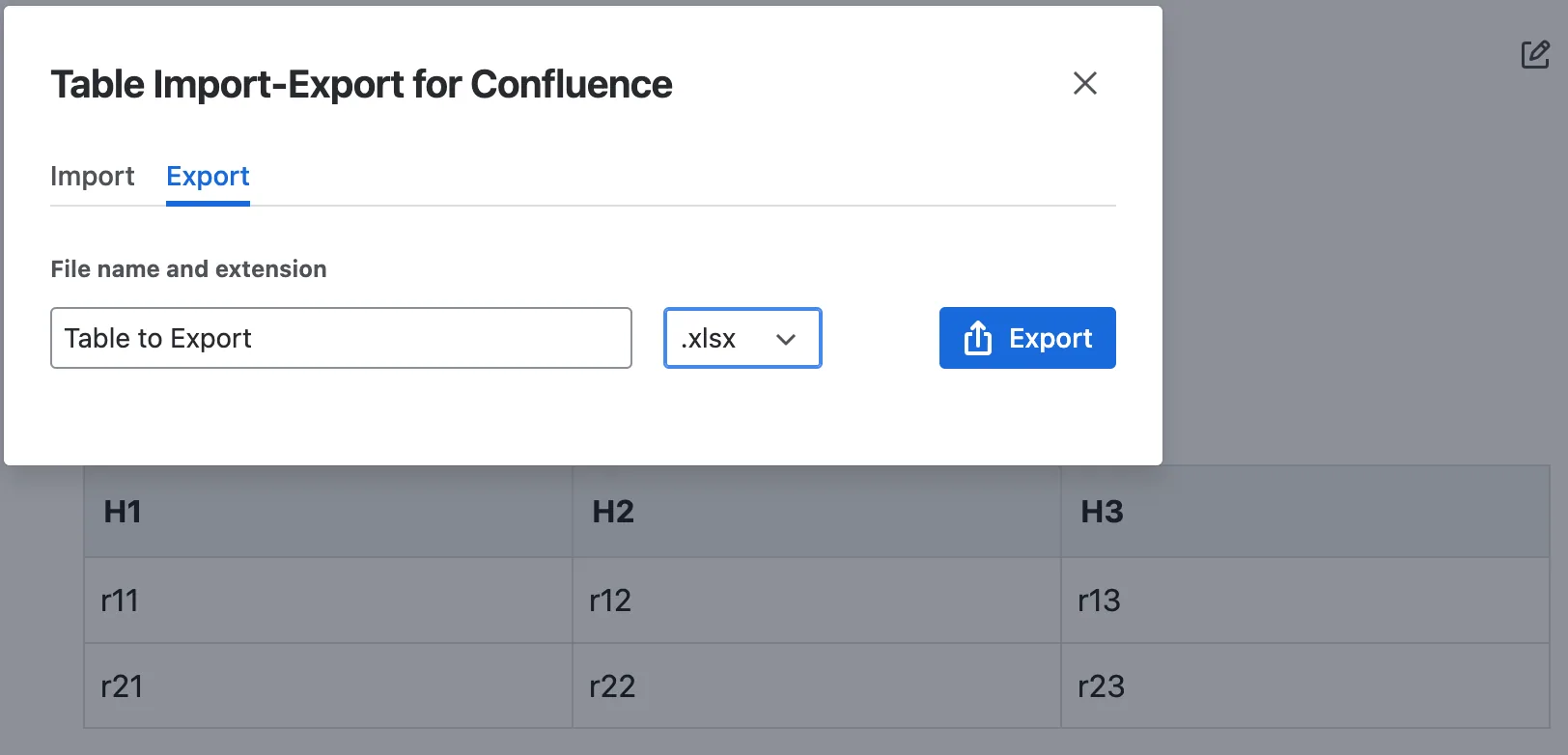
Instead of copying content manually, you can download any table directly as a CSV file and open it in Excel or any other tool. The structure is preserved, so you can immediately start working with your data without cleanup.
This is especially useful for reporting, audits, or any workflow where Confluence is not the final destination of your data.
Import structured data effortlessly
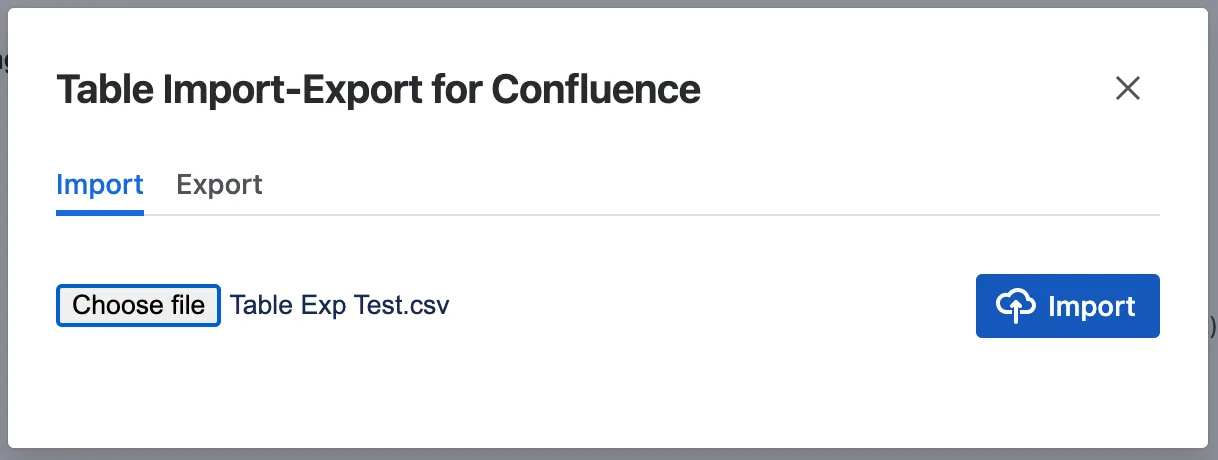
Bringing data into Confluence is just as straightforward. Upload a CSV file and convert it into a properly formatted table inside your page. No reformatting, no manual adjustments—just clean data ready to use.
This makes it easy to migrate information, sync external datasets, or standardize how your team documents structured content.
Questions, answered.
Everything you need to know before trying this app in your Confluence workspace.
Which table formats can I work with?+
Table Import Export is built to help you move structured data between Confluence tables and CSV files.
Can I export a Confluence table for use in Excel?+
Yes. Export table data as CSV and open it in Excel or another tool without manual copying.
Is importing structured data complicated?+
No. Upload a CSV file and turn it into a properly formatted table inside your Confluence page.
Get Table Import Export for Confluence
Available now on the Atlassian Marketplace.
View on Atlassian Marketplace