Transitioning from Connect to Forge
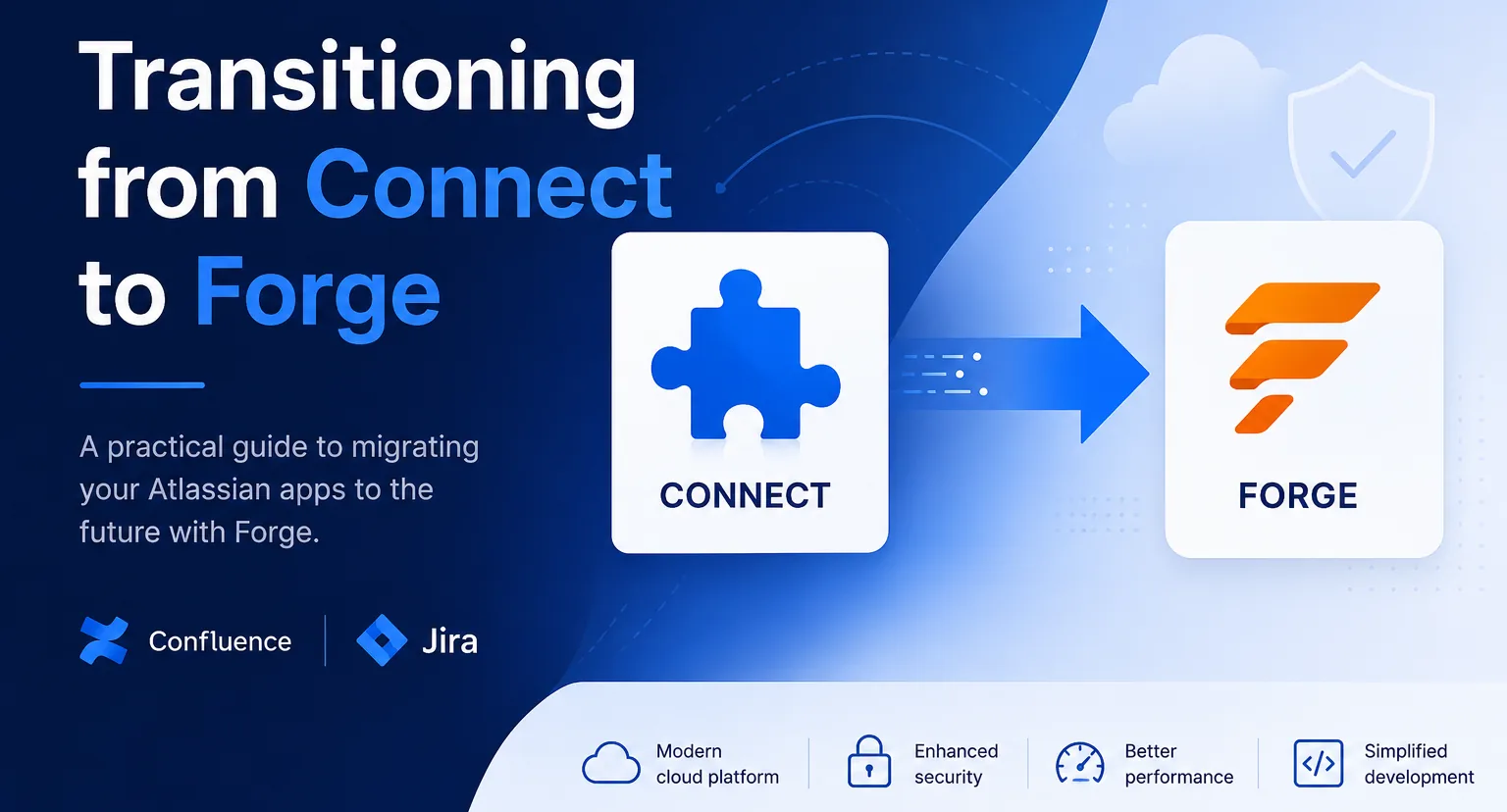
Transitioning from Atlassian Connect to Forge is a strategic move for Confluence developers, as all new extensibility features are now delivered exclusively on the Forge platform.
Why Modernize to Forge?
Modernizing your app by adopting Forge provides several immediate benefits without requiring you to rewrite your existing Connect code:
- Enhanced Capabilities: Access to new integration points, Forge storage for complex data, and the ability to use GraphQL and OAuth 2.0 REST APIs.
- Simplified Infrastructure: Atlassian handles the compute, storage, and security, which can lead to the Runs on Atlassian badge for your app.
- Seamless Updates: Deliver app updates to customers immediately without requiring manual admin approval for non-permission changes.
The Incremental Migration Path
You don't have to migrate everything at once; you can incrementally adopt Forge features while keeping your existing Connect modules active.
1. Prepare Your Environment
Ensure you have the Forge CLI installed and are logged in with your API token. You should have your existing Connect app installed on a cloud developer site for testing.
2. Convert Your Descriptor
Forge uses a manifest.yml file instead of the Connect atlassian-connect.json. You can use the automated conversion tool to generate this:
npx @atlassian/connect-to-forge@latest --type confluence --url [YOUR_DESCRIPTOR_URL]This tool moves your lifecycle events and modules into the new Forge manifest format.
3. Register and Deploy
Register your app with forge register, ensuring you select the Developer Space that matches your Marketplace vendor. Then, use forge deploy to push your app to the development environment.
4. Replace the Installation
Run forge install on your development site. The CLI will detect the matching app keys and replace the Connect installation with the Forge version, allowing you to test the transition exactly as a customer would.
Maintaining Continuity
- URL Persistence: Forge supports redirecting original Connect page URLs to their new Forge equivalents, ensuring that customer bookmarks and shared links continue to work.
- Data Migration: If you are moving from Server to Cloud, you can choose to maintain your Connect migration path or transition fully to a Forge-based migration using the App Migration Platform.
Connect-to-Forge migration tool for Confluence
Connect-to-Forge migration tool for Confluence allows to identify legacy Connect macros across your spaces and prepare for the 2026 deadline with a simple space-by-space audit
👉 Learn more about Connect-to-Forge migration tool for Confluence